Travel budget template
Track estimated and actual travel costs by category. The Excel workbook totals each column and shows how far you are above or below your estimate.
ITINERLOG
Travel budget template
- Trip name
- Travel dates
- Currency
| Category | Estimate | Actual | Notes |
|---|---|---|---|
| Transportation | |||
| Lodging | |||
| Food | |||
| Activities | |||
| Local transit | |||
| Extras | |||
| Buffer | |||
| Total | |||
| Actual less estimate | |||
Download the editable file
Pick a format and the file opens right away. No sign-up needed.
To use Google Docs, save the .docx to Google Drive and open it with Docs.
How to fill out this template
Planning what you can spend and keeping a record of actual costs. Use the same currency throughout the sheet so the totals are meaningful.
- Set one currency at the top of the sheet.
- Estimate the categories you’ll spend on and add a buffer line.
- Enter actual costs as you pay and note what each payment covered.
- Check the difference between the estimated and actual totals.
- If you share expenses, agree on which costs belong in the group budget.
By Itinerlog
Common questions
How do I make a simple travel budget?
List transportation, lodging, food, activities, local transit, extras, and a buffer. Estimate each category first and enter what you actually spend later.
Does the Excel budget add up costs automatically?
Yes. It sums the estimate and actual columns and calculates the difference from your estimate.
Can I print this template?
Yes. Choose the blank sheet or a filled example when one is available, then use Print above the preview.
More from the library
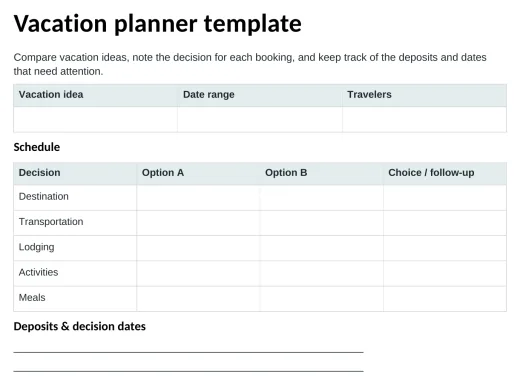
Vacation planner template
Compare vacation ideas, note the decision for each booking, and keep track of the deposits and dates that need attention.
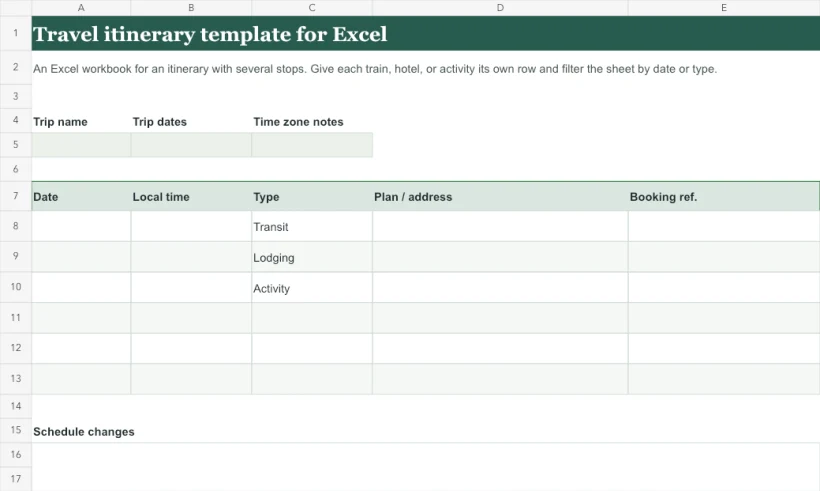
Travel itinerary template for Excel
An Excel workbook for an itinerary with several stops. Give each train, hotel, or activity its own row and filter the sheet by date or type.
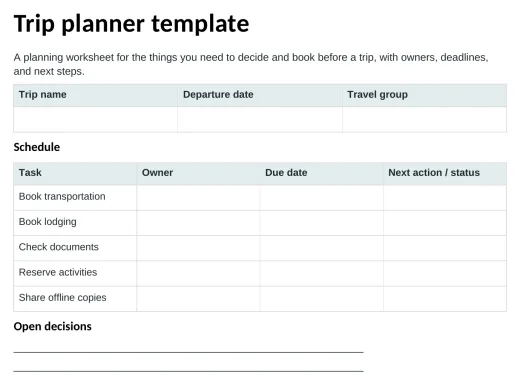
Trip planner template
A planning worksheet for the things you need to decide and book before a trip, with owners, deadlines, and next steps.