Travel itinerary template for Excel
An Excel workbook for an itinerary with several stops. Give each train, hotel, or activity its own row and filter the sheet by date or type.
ITINERLOG
Travel itinerary template for Excel
- Trip name
- Trip dates
- Time zone notes
| Date | Local time | Type | Plan / address | Booking ref. |
|---|---|---|---|---|
| Transit | ||||
| Lodging | ||||
| Activity | ||||
ITINERLOG
Travel itinerary template for Excel
- Trip name
- Three-city weekend
- Trip dates
- Nov 6–8
- Time zone notes
- Eastern time
| Date | Local time | Type | Plan / address | Booking ref. |
|---|---|---|---|---|
| Nov 6 | 10:15 AM | Transit | Train from home | Ticket email |
| Nov 6 | 4:00 PM | Lodging | Check in downtown | Hotel email |
| Nov 7 | 1:00 PM | Activity | Meet at the market |
Download the editable file
Pick a format and the file opens right away. No sign-up needed.
To use Google Docs, save the .docx to Google Drive and open it with Docs.
How to fill out this template
Multi-stop trips with a long booking list. Store the time and location of each move in separate columns.
- Enter each fixed event on its own row.
- Record the local time at the place where the event starts.
- Use consistent labels such as Transit, Lodging, and Activity.
- Keep confirmations in the last column and use filters to check one date at a time.
- Check the print view before sharing a paper copy.
By Itinerlog
Common questions
What’s in the Excel itinerary workbook?
It has a filterable schedule with columns for dates, local times, booking types, plans, and references.
Can I add more rows to the Excel sheet?
Yes. Insert rows in the existing schedule to keep its formatting and filter range.
Can I print this template?
Yes. Choose the blank sheet or a filled example when one is available, then use Print above the preview.
More from the library
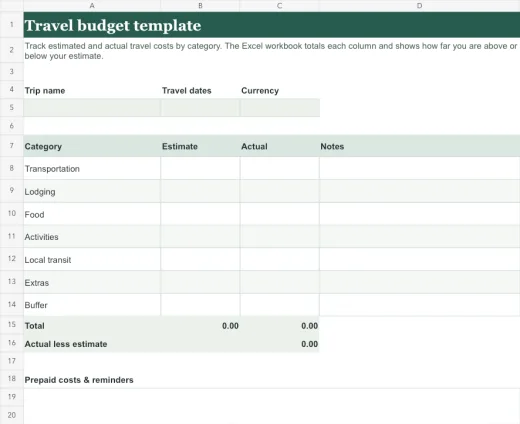
Travel budget template
Track estimated and actual travel costs by category. The Excel workbook totals each column and shows how far you are above or below your estimate.
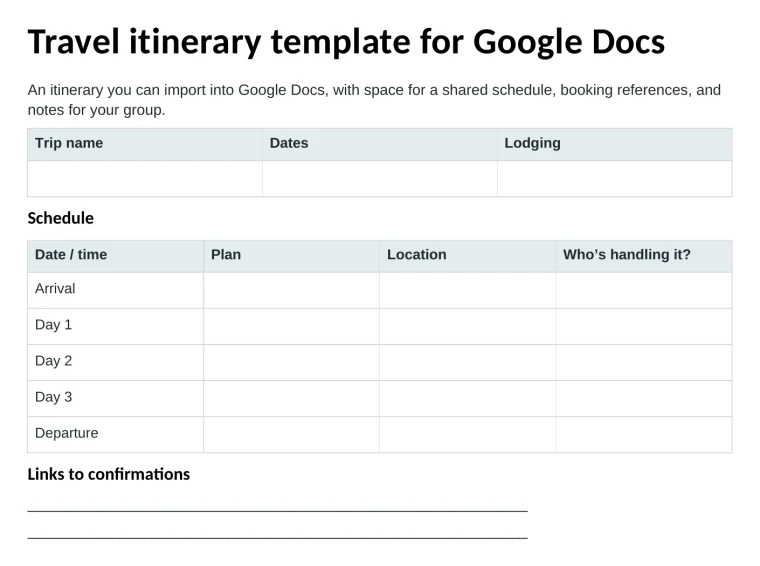
Travel itinerary template for Google Docs
An itinerary you can import into Google Docs, with space for a shared schedule, booking references, and notes for your group.
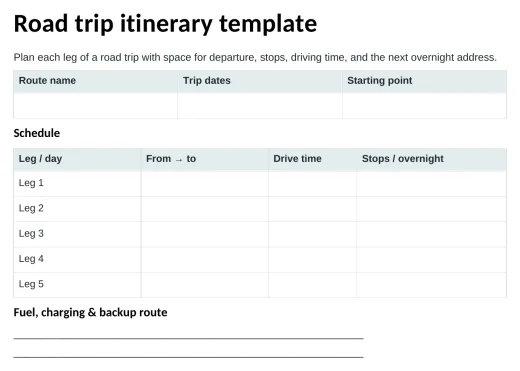
Road trip itinerary template
Plan each leg of a road trip with space for departure, stops, driving time, and the next overnight address.