Travel itinerary template for Google Docs
An itinerary you can import into Google Docs, with space for a shared schedule, booking references, and notes for your group.
ITINERLOG
Travel itinerary template for Google Docs
- Trip name
- Dates
- Lodging
| Date / time | Plan | Location | Who’s handling it? |
|---|---|---|---|
| Arrival | |||
| Day 1 | |||
| Day 2 | |||
| Day 3 | |||
| Departure |
ITINERLOG
Travel itinerary template for Google Docs
- Trip name
- Friends’ weekend
- Dates
- Oct 9–11
- Lodging
- Downtown rental
| Date / time | Plan | Location | Who’s handling it? |
|---|---|---|---|
| Fri, 4:00 PM | Get rental keys | Main entrance | Sam |
| Sat, 9:00 AM | Meet for coffee | Near the rental | Jordan |
| Sun, 11:00 AM | Return keys | Lockbox | Sam |
Download the editable file
Pick a format and the file opens right away. No sign-up needed.
To use Google Docs, save the .docx to Google Drive and open it with Docs.
How to fill out this template
Trips where several people help plan. The page uses simple tables, so you can add rows and leave comments in Google Docs.
- Use the preview to see how the shared schedule is organized.
- Upload the compatible .docx to Google Drive and open it with Google Docs.
- Save a Google Docs copy to make it easier to share.
- Enter your plans and add a name beside bookings someone needs to handle.
- Share a view or edit link with your group and download a copy before you leave.
By Itinerlog
Common questions
How do I open the itinerary in Google Docs?
Upload the compatible .docx to Google Drive and open it with Google Docs. You can then save a Google Docs copy.
Can my travel group edit the same plan?
Yes. Once you have a copy in Google Docs, give editing access to the people who need to update it.
Can I print this template?
Yes. Choose the blank sheet or a filled example when one is available, then use Print above the preview.
More from the library
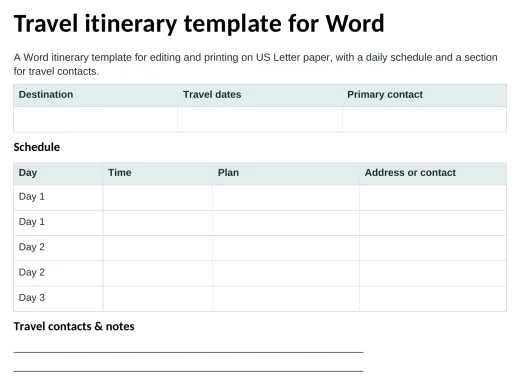
Travel itinerary template for Word
A Word itinerary template for editing and printing on US Letter paper, with a daily schedule and a section for travel contacts.
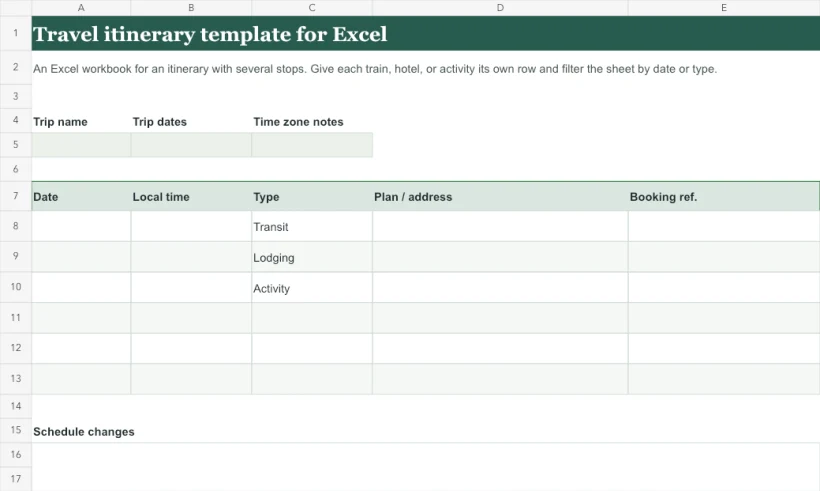
Travel itinerary template for Excel
An Excel workbook for an itinerary with several stops. Give each train, hotel, or activity its own row and filter the sheet by date or type.
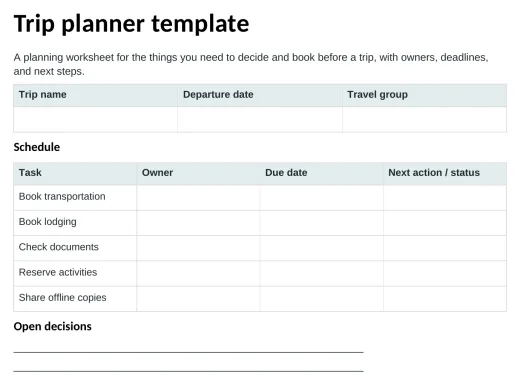
Trip planner template
A planning worksheet for the things you need to decide and book before a trip, with owners, deadlines, and next steps.