Travel itinerary template for Word
A Word itinerary template for editing and printing on US Letter paper, with a daily schedule and a section for travel contacts.
ITINERLOG
Travel itinerary template for Word
- Destination
- Travel dates
- Primary contact
| Day | Time | Plan | Address or contact |
|---|---|---|---|
| Day 1 | |||
| Day 1 | |||
| Day 2 | |||
| Day 2 | |||
| Day 3 |
ITINERLOG
Travel itinerary template for Word
- Destination
- Weekend visit
- Travel dates
- Oct 9–11
- Primary contact
- Jordan
| Day | Time | Plan | Address or contact |
|---|---|---|---|
| Fri | 4:00 PM | Check in | Lodging address |
| Sat | 10:00 AM | Meet the group | Main entrance |
| Sun | 11:00 AM | Check out | Front desk |
Download the editable file
Pick a format and the file opens right away. No sign-up needed.
To use Google Docs, save the .docx to Google Drive and open it with Docs.
How to fill out this template
A trip you want to share as a printed sheet or an attachment. The simple table fits on a portrait page.
- Open the .docx in Word and save a copy for this trip.
- Enter the destination, dates, and primary contact.
- Add your stops with their times and addresses.
- Use the last section for useful contacts or pickup details.
- Check Print Preview and save a PDF if you’re sharing a read-only copy.
By Itinerlog
Common questions
Can I print the Word travel itinerary?
Yes. The file uses US Letter portrait layout. Check Print Preview if you add rows or change the margins.
Can I send the itinerary to someone who uses a phone?
Yes. Export your finished Word document as a PDF so the layout stays readable across devices.
Can I print this template?
Yes. Choose the blank sheet or a filled example when one is available, then use Print above the preview.
More from the library
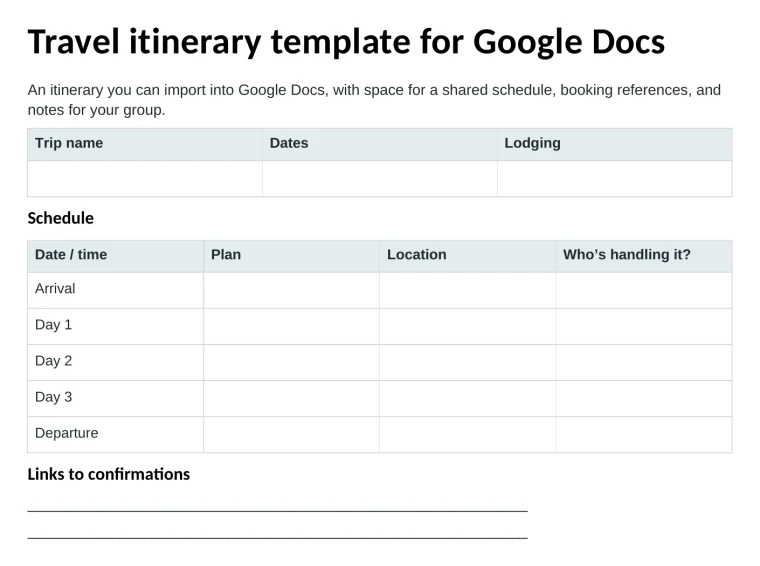
Travel itinerary template for Google Docs
An itinerary you can import into Google Docs, with space for a shared schedule, booking references, and notes for your group.
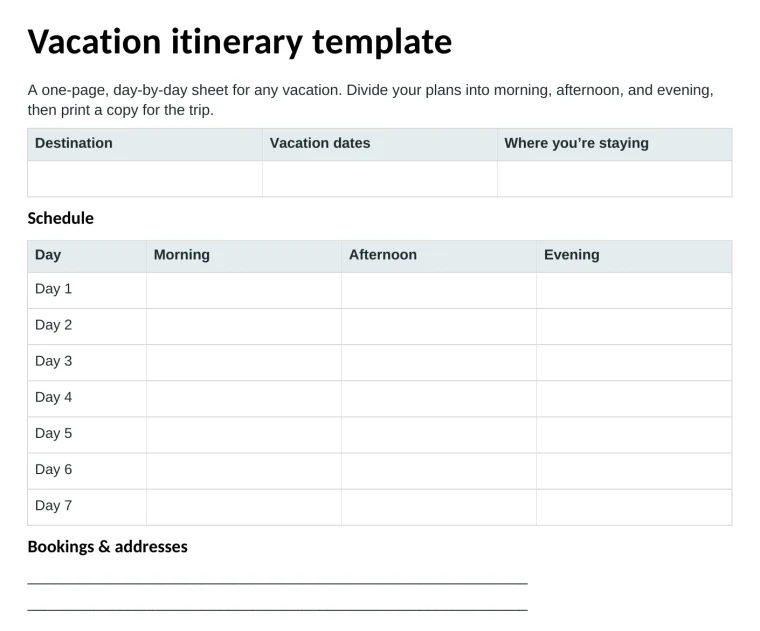
Vacation itinerary template
A one-page, day-by-day sheet for any vacation. Divide your plans into morning, afternoon, and evening, then print a copy for the trip.
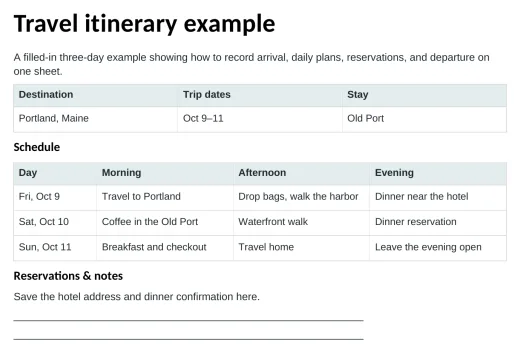
Travel itinerary example
A filled-in three-day example showing how to record arrival, daily plans, reservations, and departure on one sheet.